Why generic software struggles
What makes Manufacturing operations hard to run on a template
These are the points where an off-the-shelf tool makes your team work around it. Arjava is built around them instead.
- 01
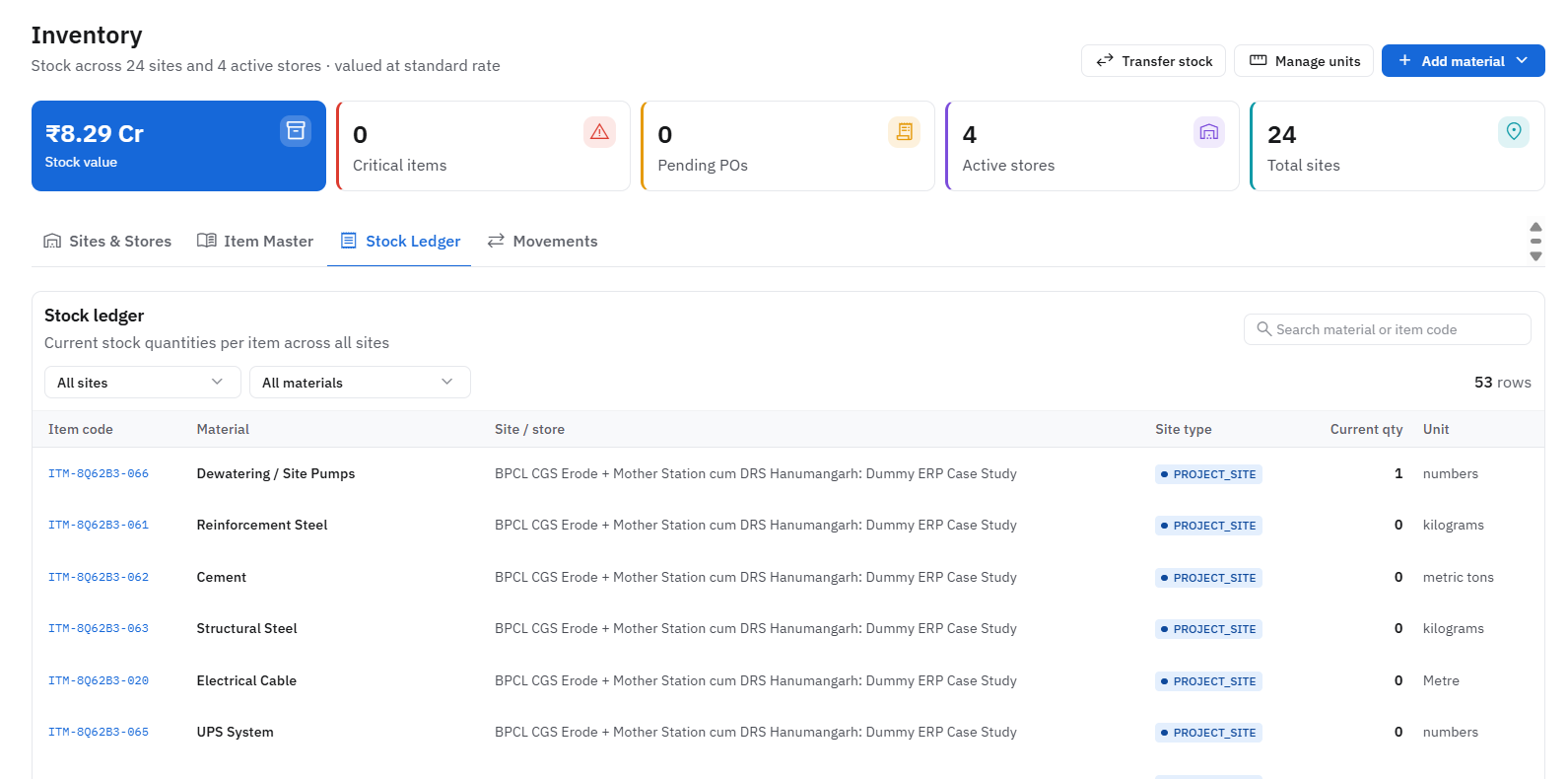
Raw material inventory that must stay synced with production schedules
- 02
Quality control checkpoints that need consistent tracking across batches
- 03
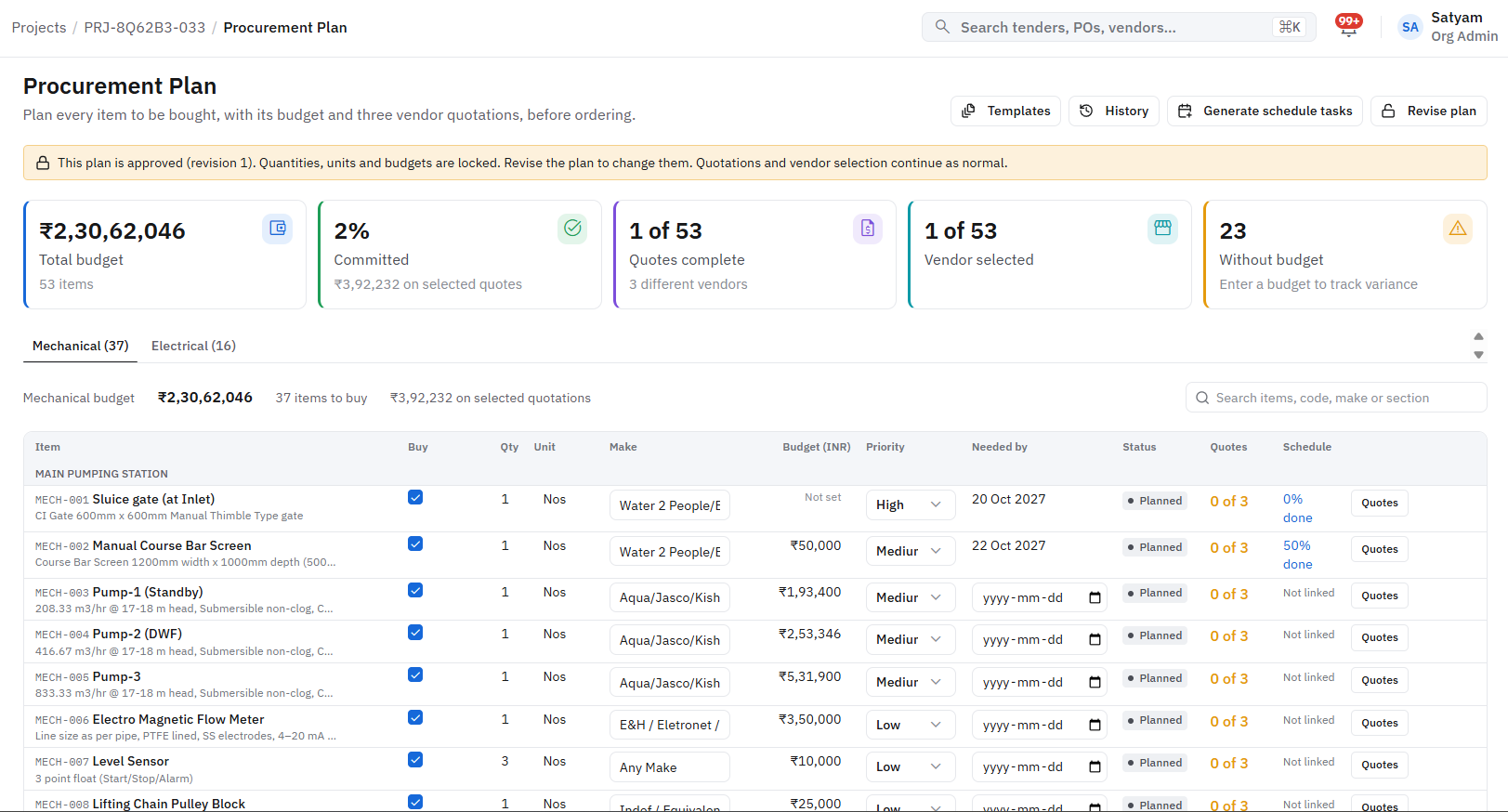
Dispatch and delivery coordination tied to purchase orders
- 04
Production output and OEE (Overall Equipment Effectiveness) visibility
- 05
Purchase-to-finance reconciliation across ongoing supplier relationships
- Each one is handled in the platform, not in a spreadsheet beside it.
Questions about custom software for manufacturing
A quality control workflow can be built into the production process itself, recording pass/fail status per batch so QC pass rates are visible in the same system as inventory and dispatch, rather than in a separate logbook.
Build software around your manufacturing operations
See how the full platform fits together, or book a free discovery session to map your workflows onto a custom software roadmap.
Related Arjava capabilities
How Arjava supports manufacturers
Inventory, procurement, finance and operational information on connected business systems.
What the system checks for you
Minutes
not days
Tender document reading
Dates, fees, eligibility and required documents pulled into structured fields
Every PO
checked on rate
Vendor rate history
Quotes compared against past rates before an order is approved
Before
submission
Validity and compliance checks
Bank guarantee and document validity checked against the latest corrigendum
Checks run inside the system; your team reviews every flag before acting.
Next step: a discussion, then six clear stages
- 01
Discover
Map your workflows
- 02
Define
Agree scope & goals
- 03
Design
Plan screens & data
- 04
Develop
Build & configure
- 05
Deploy
Go live with training
- 06
Support
Improve continuously
Human-in-the-loop AI. AI reads documents, compares data and flags risks; your team reviews and decides.