What it keeps track of
Works with
Purchase & Vendors, CRM & Sales, Approvals & Audit, Dashboards & MIS
Sits at the collect stage, with 5 steps set to your own rules.
Where AI helps
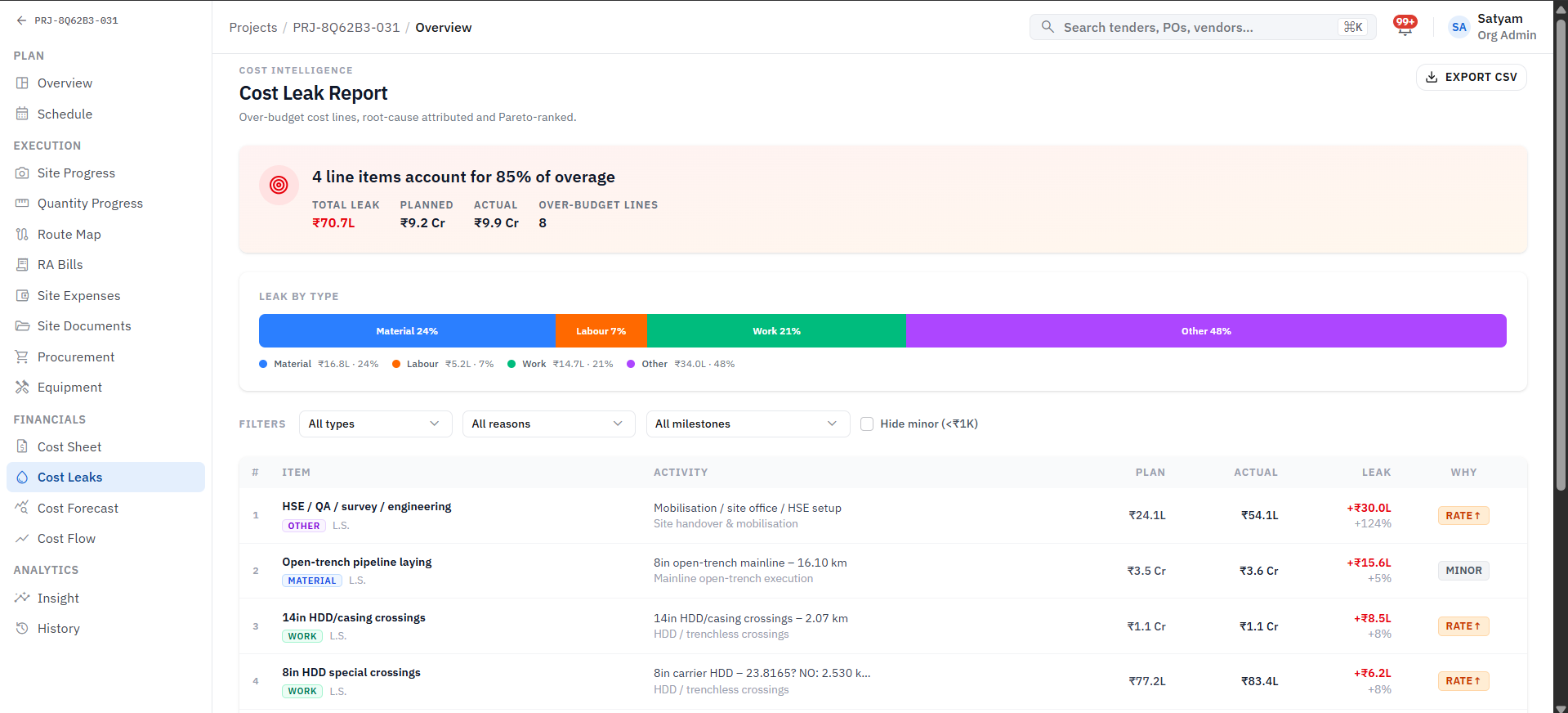
Variance detection and cash-flow forecasting surface problems before month-end.
Before
Cash flow, payables and receivables are hard to track.
With Arjava
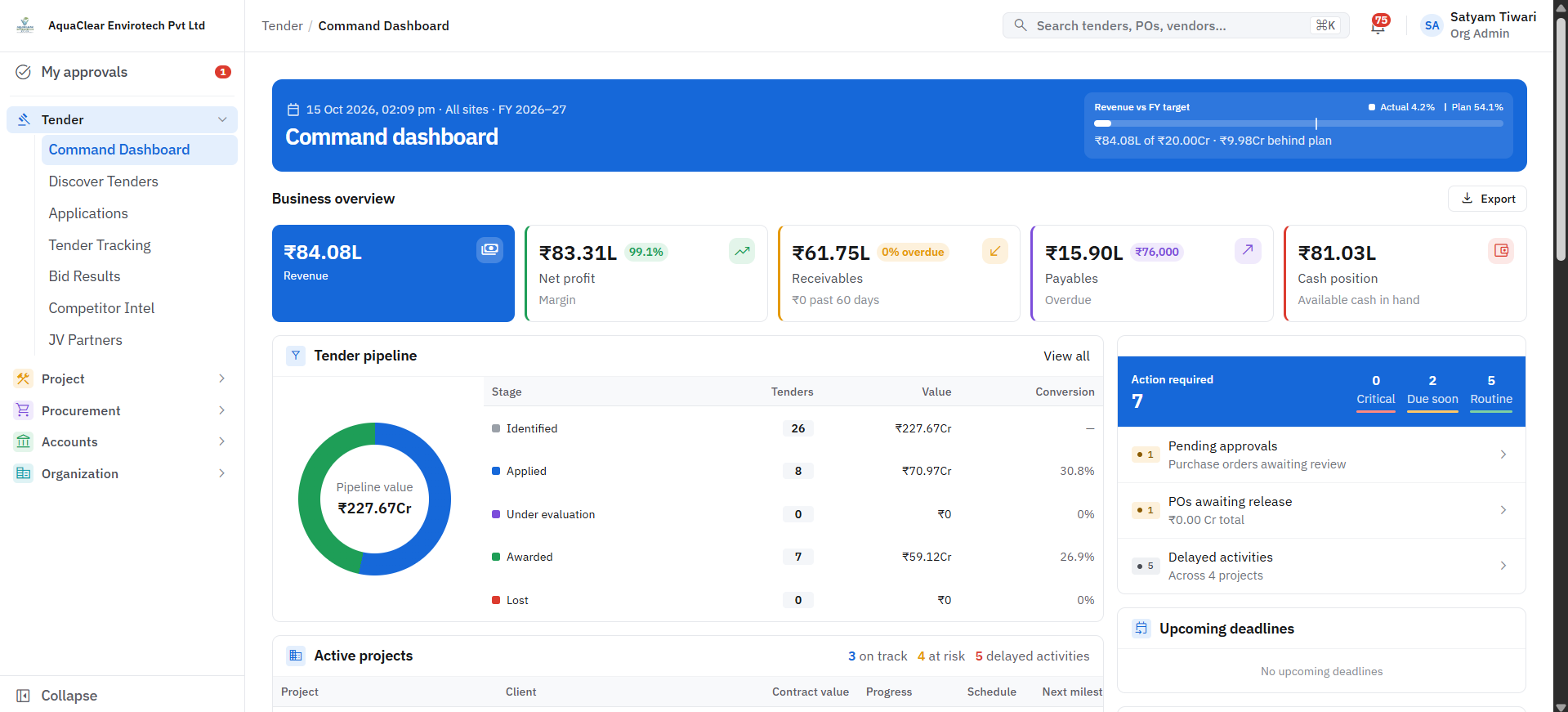
Finance connected to operations in real time. Every commitment measured against its budget as it is raised.
How the work flows
A finance & cash flow workflow, step by step
What it records
The records this module manages
Each record links to the next, so you can trace any figure back to where it started. Fields are shaped around your terminology.
- 1
Budget head
Holds
- Project / department
- Budget
- Committed
- Actual
- 2
Bill / invoice
Holds
- Party
- Amount & GST
- Due date
- Linked PO / order
- 3
Payment / receipt
Holds
- Mode
- Bank reference
- Reconciled
- Budget vs actualEvery commitment measured against its budget as it is raised.
- Accounts payable & receivablePayment status for every bill and every invoice, with follow-ups on what is due.
- Bank reconciliationBank transactions matched against recorded payments and receipts.
- Cash-flow forecastingUpcoming payments and collections projected forward.
- Bank & GST linksBank and payment data, and GST, connected to the ledger.
Questions it answers
What you can ask it
- 01“How much of this budget is already committed?”
- 02“What do we owe this week, and what is overdue to us?”
- 03“Which bank entries are still unmatched?”
Want to talk about Finance & Cash Flow?
Tell us how this part of the business runs today. We will map it and show you what the module would look like around your workflow.