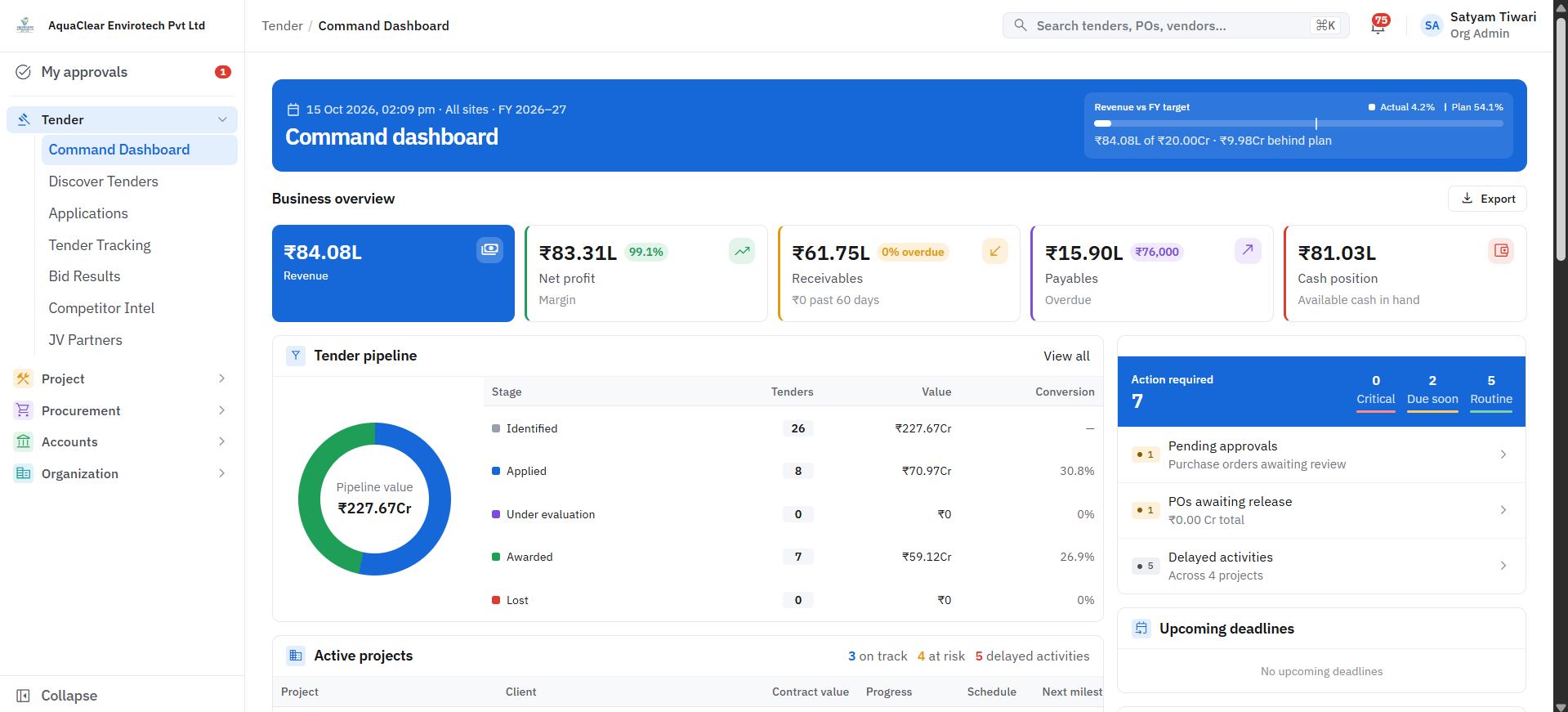
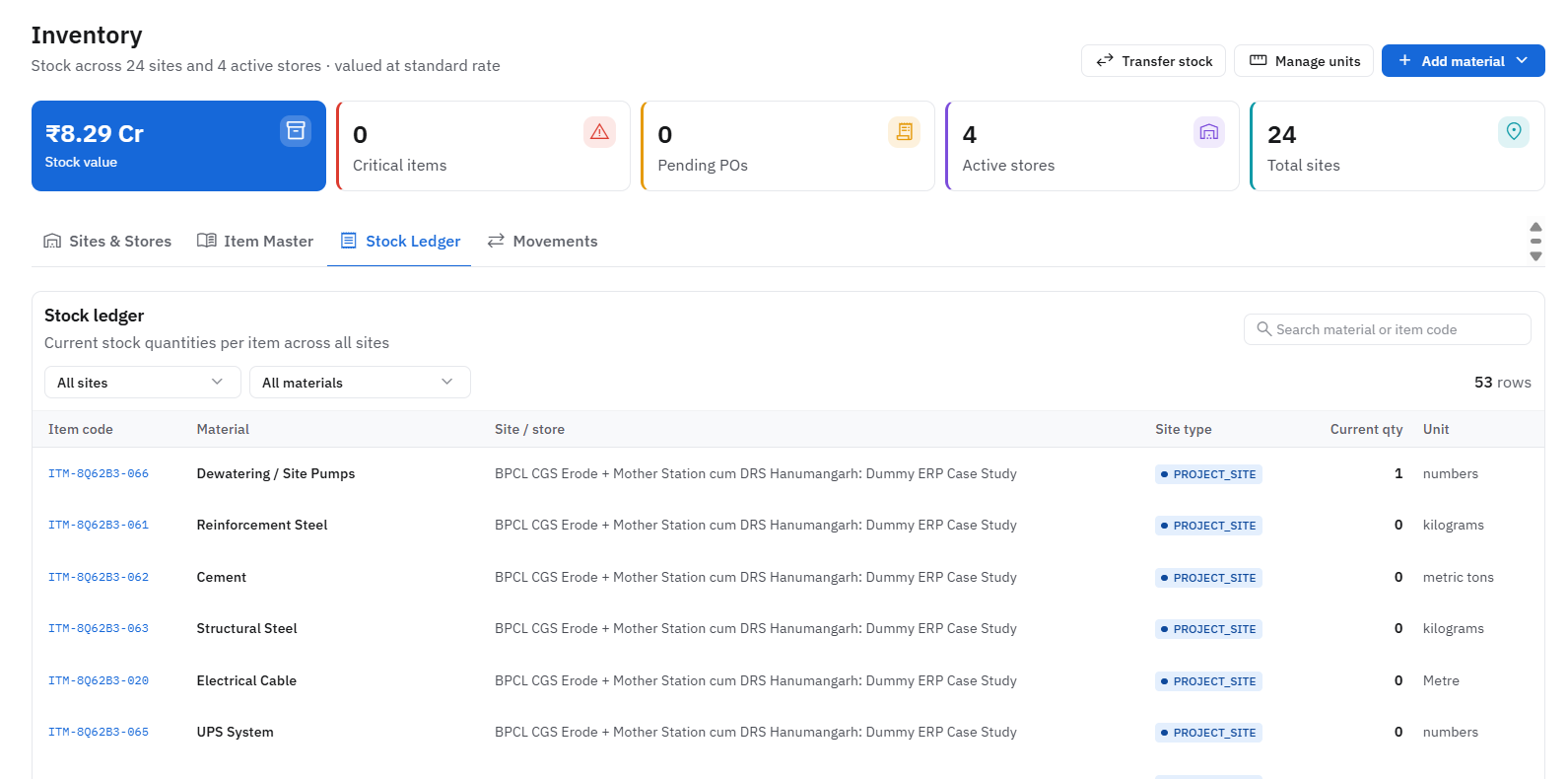
What Enterprise Solutions covers
Pick a module to read about it. Most clients start with one and add the rest as they go.
Module 01 of 07
ERP Implementation & Modernization
Replace spreadsheets and disconnected tools with a unified ERP, or modernize an existing one without disrupting daily operations.
What is included
- 01Process mapping and sign off before any build
- 02Role based screens for site, stores, accounts and management
- 03Phased go-live, module by module
- 04Training and a named support contact
Replaces
What changes
One shared record for projects, purchase, stock and finance, so the same figure is not kept in four versions.
How we deliver it
Four steps, in this order. Click a step to read it.
Step 1 of 4
Scope
Define the modules, workflows, and integrations the platform needs to cover.
Want to talk about enterprise solutions?
Book a free discovery call. Tell us what is going on in your business and we will tell you honestly where we can help.
Book ConsultationWhat the system checks for you
Minutes
not days
Tender document reading
Dates, fees, eligibility and required documents pulled into structured fields
Every PO
checked on rate
Vendor rate history
Quotes compared against past rates before an order is approved
Before
submission
Validity and compliance checks
EMD and document validity checked against the latest corrigendum
Checks run inside the system; your team reviews every flag before acting.
Next step: a discussion, then six clear stages
- 01
Discover
Map your workflows
- 02
Define
Agree scope & goals
- 03
Design
Plan screens & data
- 04
Develop
Build & configure
- 05
Deploy
Go live with training
- 06
Support
Improve continuously
Human-in-the-loop AI. AI reads documents, compares data and flags risks; your team reviews and decides.