What it keeps track of
Works with
Purchase & Vendors, Approvals & Audit, Finance & Cash Flow, Dashboards & MIS
Sits at the review stage, with 5 steps set to your own rules.
Where AI helps
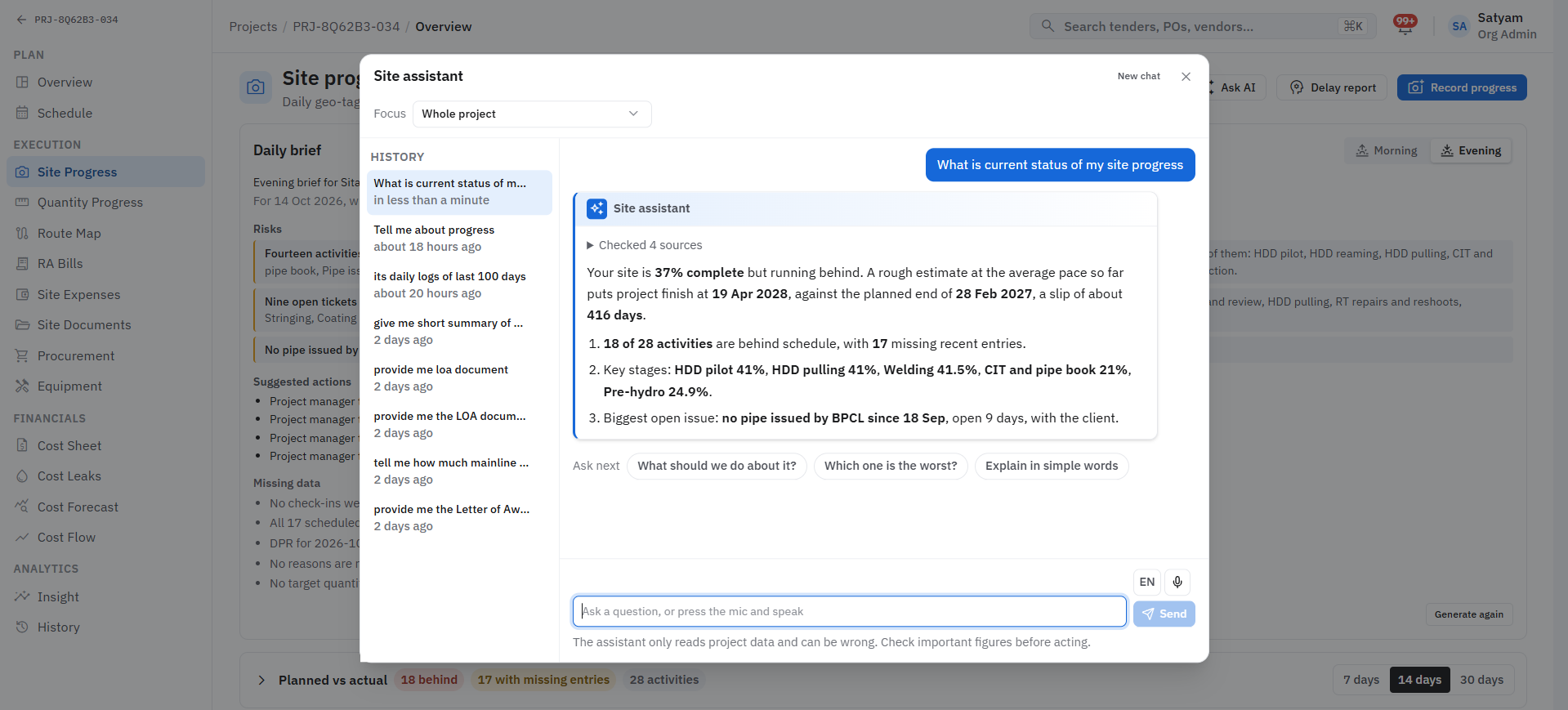
Human-in-the-loop: AI reads, compares and flags; your team reviews and decides.
Before
Teams lose hours on manual paperwork and document checks.
With Arjava
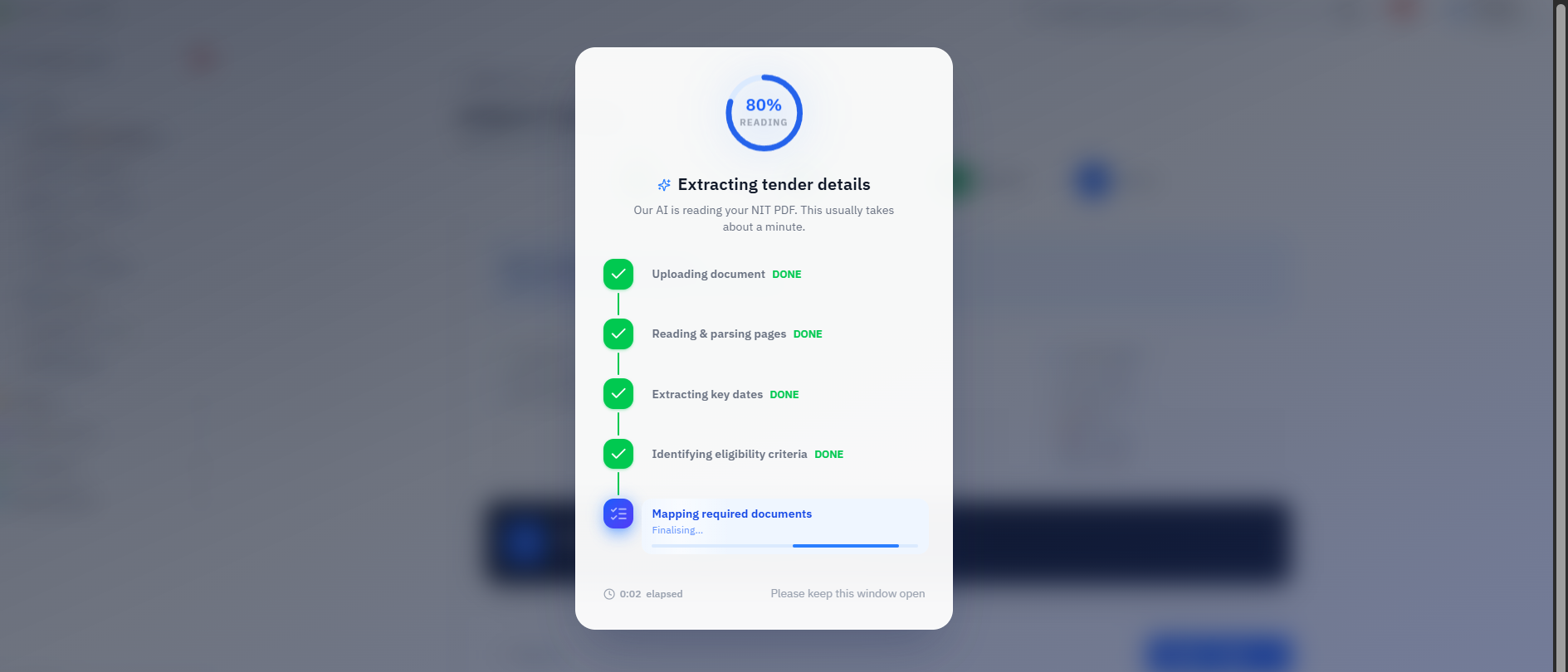
The paperwork reads itself. Key fields pulled from PDFs and scans into structured data.
How the work flows
A ai document intelligence workflow, step by step
What it records
The records this module manages
Each record links to the next, so you can trace any figure back to where it started. Fields are shaped around your terminology.
- 1
Source document
Holds
- Type
- File
- Received from
- 2
Extracted fields
Holds
- Field
- Value
- Page reference
- 3
Review
Holds
- Flags
- Corrections
- Reviewer
- Document extractionKey fields pulled from PDFs and scans into structured data.
- Comparison sheetsQuotes and tender terms laid out side by side automatically.
- Mismatch flagsDifferences between documents highlighted for review.
- Eligibility checksTender criteria validated against your company profile.
Questions it answers
What you can ask it
- 01“Are we eligible for this tender?”
- 02“Which terms differ between these quotes?”
- 03“Does this invoice match the PO?”
A result a client has seen
3–5 min
Document evaluation time: AI-assisted extraction into a structured comparison sheet; was 1–2 days.
Client-reported, human-reviewed. Results vary and are not guaranteed.
Want to talk about AI Document Intelligence?
Tell us how this part of the business runs today. We will map it and show you what the module would look like around your workflow.