A spreadsheet is the right tool when one person owns the data and everyone else reads it. It is a poor tool when many people write to it from different places, which is exactly what a second site, a second store or a second team creates. The failure is gradual, and it rarely looks like a failure until a decision goes wrong.
Four versions of one number
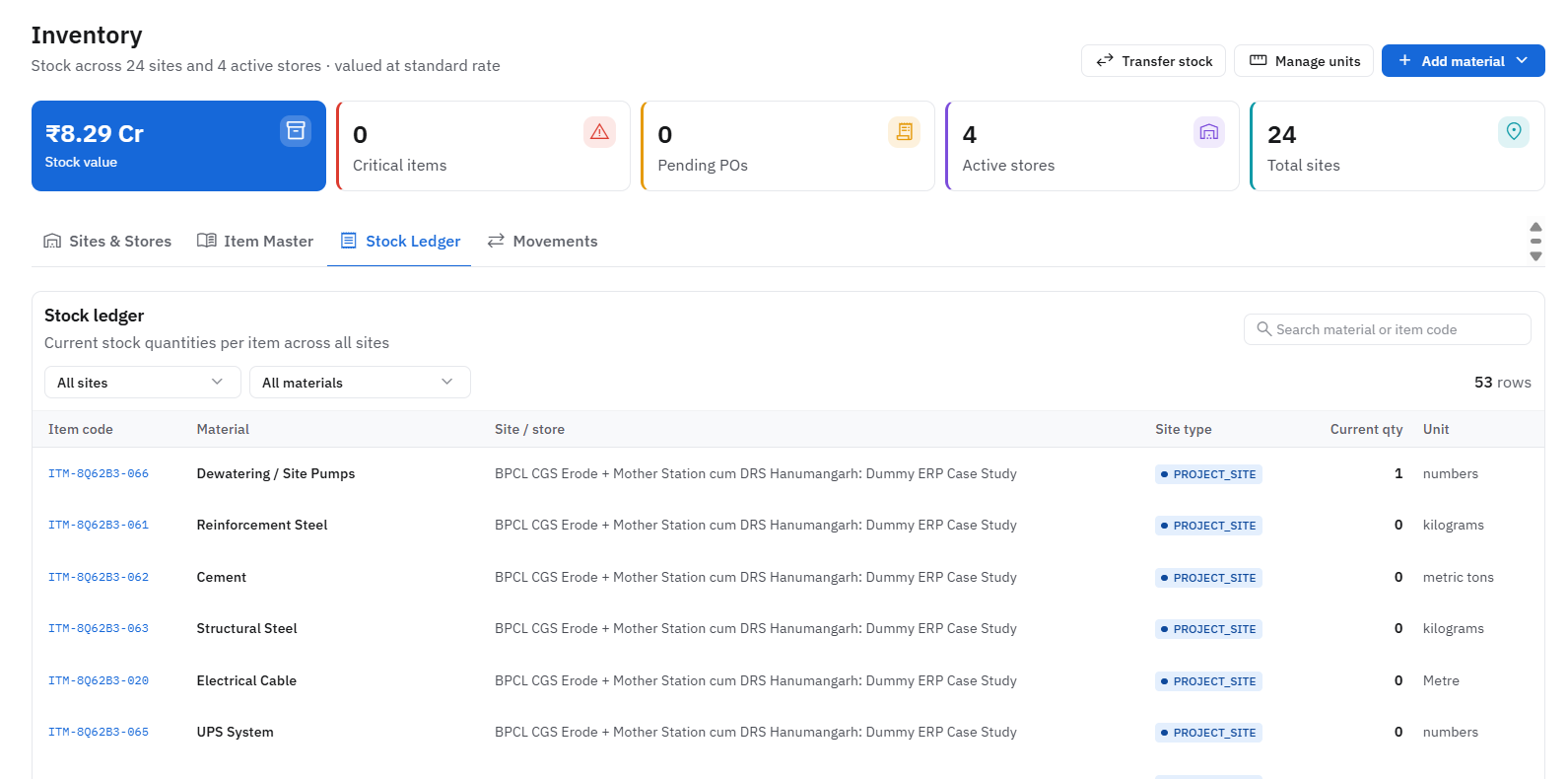
Stock at Site A is in the stores register, in the purchase tracker, in the accounts file and in a WhatsApp message from last Tuesday. Each is correct for the person who made it and slightly different from the others. Every review meeting then begins with reconciling versions instead of making decisions.
Rates live in people's heads
The price paid for cement six months ago is in a file somewhere, but the person raising today's indent does not know which one. Without rate history in front of whoever approves the order, a quote that is too high looks like any other quote.
Approvals happen where nobody can see them
When approvals run over chat and calls, there is no trail. You cannot tell who approved what, at which rate, or why. That is manageable at ten orders a month. At a few hundred across several sites, it becomes the reason month end takes a week.
Problems are found late
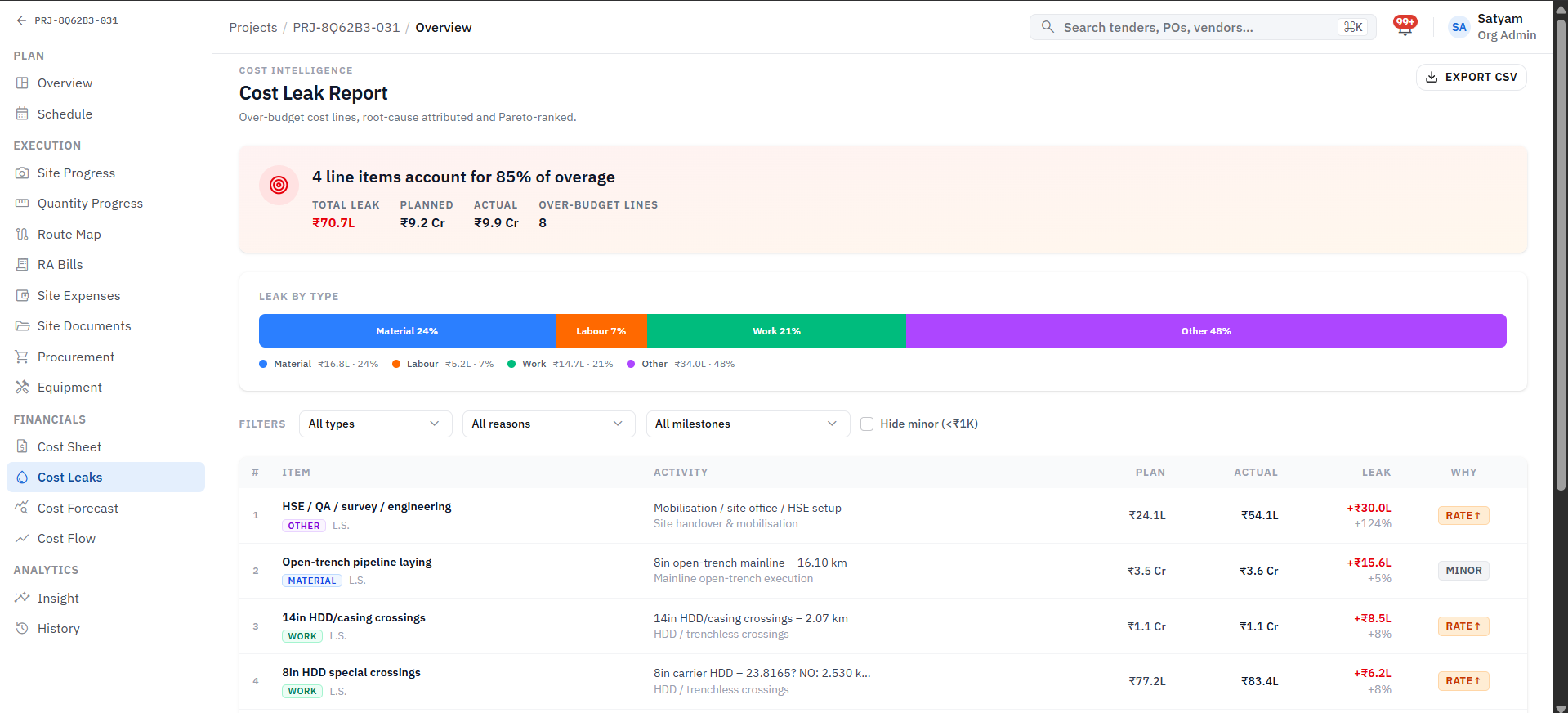
A cost overrun in one activity, a bank guarantee that no longer covers a deadline, a delivery that did not arrive: spreadsheets only report these when somebody opens the right tab. Connected systems raise them as they happen, which is when they are cheap to fix.
What to do about it
You do not need to replace everything at once. Start by mapping the three or four flows where the same figure is entered more than once, usually purchase to stores to accounts. Put those on one shared record first, then add the rest module by module. Keep the spreadsheets that work, and retire the ones that exist only to copy numbers from somewhere else.
The aim is not fewer spreadsheets. It is one place where each number is true, so that your teams spend their time acting on the figures instead of arguing about them.