Choosing an ERP usually starts with a feature checklist. That is the wrong place to begin. Almost every product ticks the same boxes on paper, and the differences that matter only show up months later, when your team is using it every day. These seven questions surface those differences before you commit.
1. Whose process does it assume?
Ask the vendor to walk through one of your real workflows, with your exceptions, not a demo script. Advance payments, part deliveries, retention money and approvals that skip a level are normal in many businesses. If the answer is that your team will change how it works to fit the software, you have learned what you are buying.
2. What happens before any code is written?
Good implementations spend real time on discovery, business analysis and process mapping first, and end that phase with something you sign off. If the plan jumps straight to configuration, scope gets discovered after the money is spent.
3. Is there one shared database?
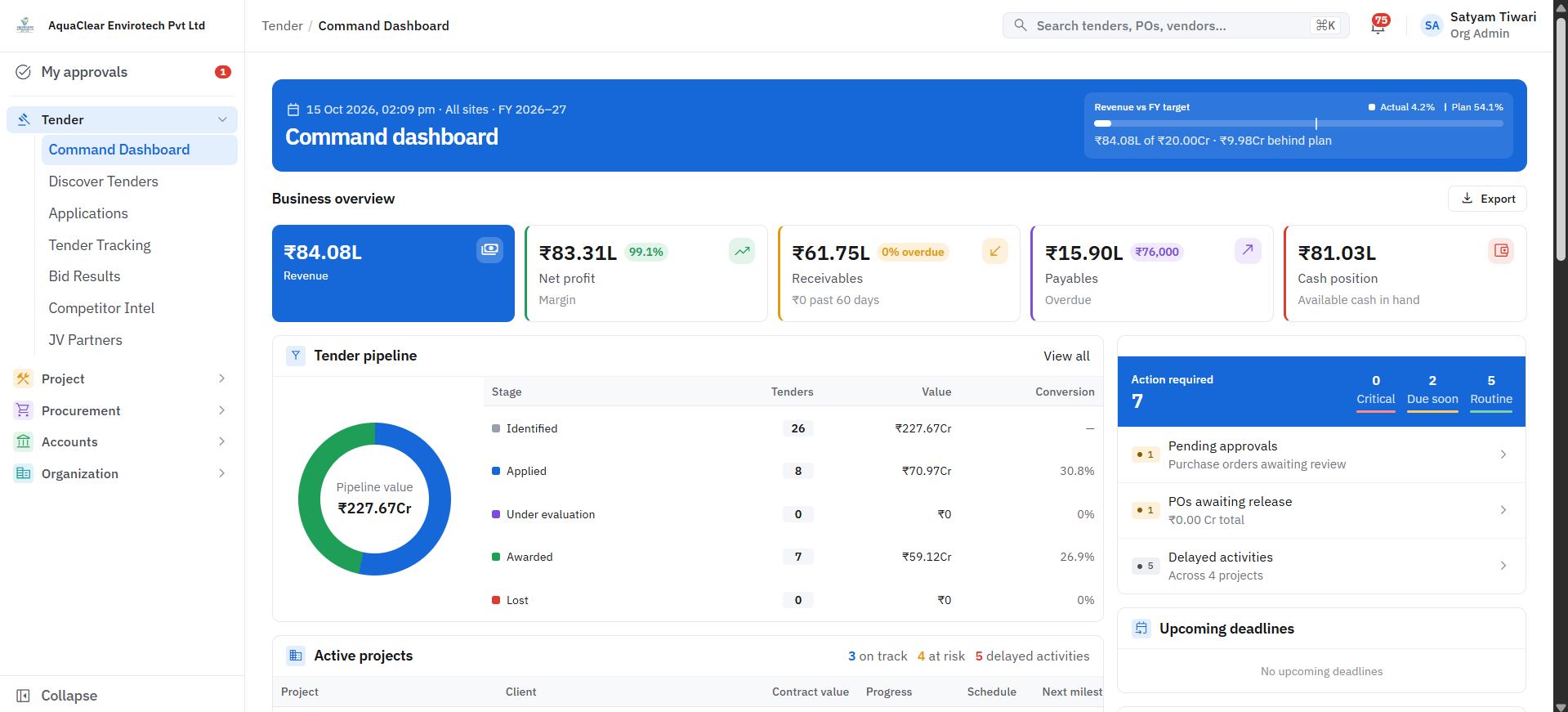
A purchase order raised on site should be visible to accounts without anyone exporting a file. Ask whether purchase, stores, projects and finance sit on a single database or are separate modules that sync on a schedule. Synced systems drift apart, and the drift is where disputes come from.
4. Where does it run, and who owns the data?
Find out if you can deploy on your own server and domain, or on the cloud, whichever suits you. Ask what a data export looks like on the day you decide to leave. Software you cannot walk away from is a different purchase from software you can.
5. How does it handle people who are not at a desk?
Site engineers, store keepers and supervisors do not sit in front of a desktop. Ask what a daily entry looks like on a phone, how it behaves on a weak connection, and how much typing it takes. Adoption fails at the last step of data entry more often than anywhere else.
6. What does an approval trail look like?
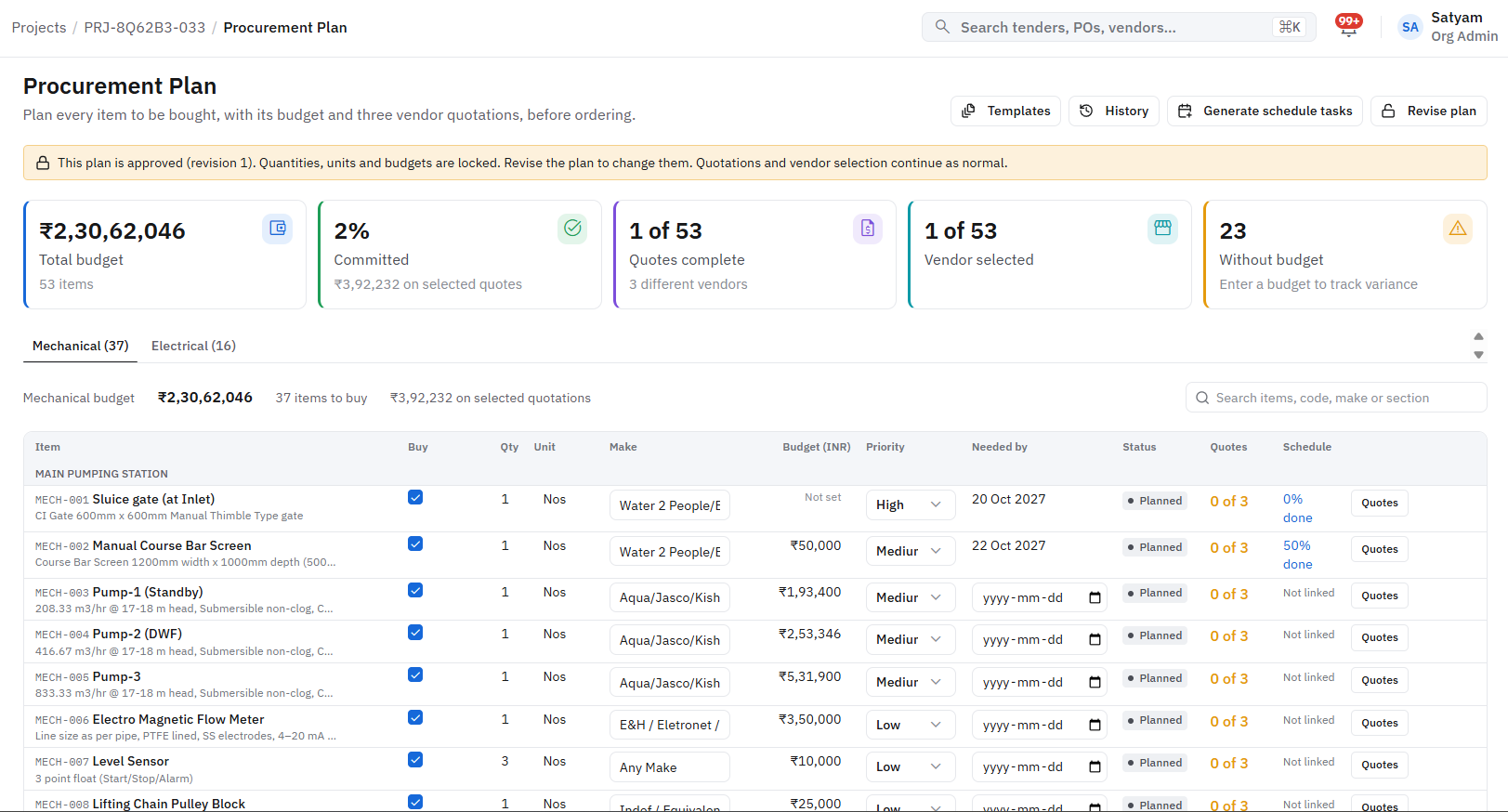
Pick a purchase order and ask to see who raised it, who approved it, what rate it was compared against and when. A clear audit trail protects you in disputes and makes accountability a by-product of normal work instead of an extra task.
7. Who do you call when something needs to change?
Every business changes after go-live. Ask whether you will reach the people who mapped your process and built the system, or a ticket queue. The difference decides how quickly the software keeps up with the business.
How to use this list
Put the seven questions to every vendor you shortlist, and write the answers down. Notice which answers are specific to your business and which are general. The vendors who ask you questions back, about your sites, your approvals and your exceptions, are usually the ones who will build something that fits.